A spare, and now somewhat ageing, Matebook laptop has afforded me an occasional Linux Distro hop. Although the Matebook is showing its years in a few areas, it continues to look fabulous, and sports a tremendous 3000 x 2000 resolution 13″ touch screen panel with thin bezels.
I thought I’d take a look at the Cosmic Desktop via Pop!_OS.
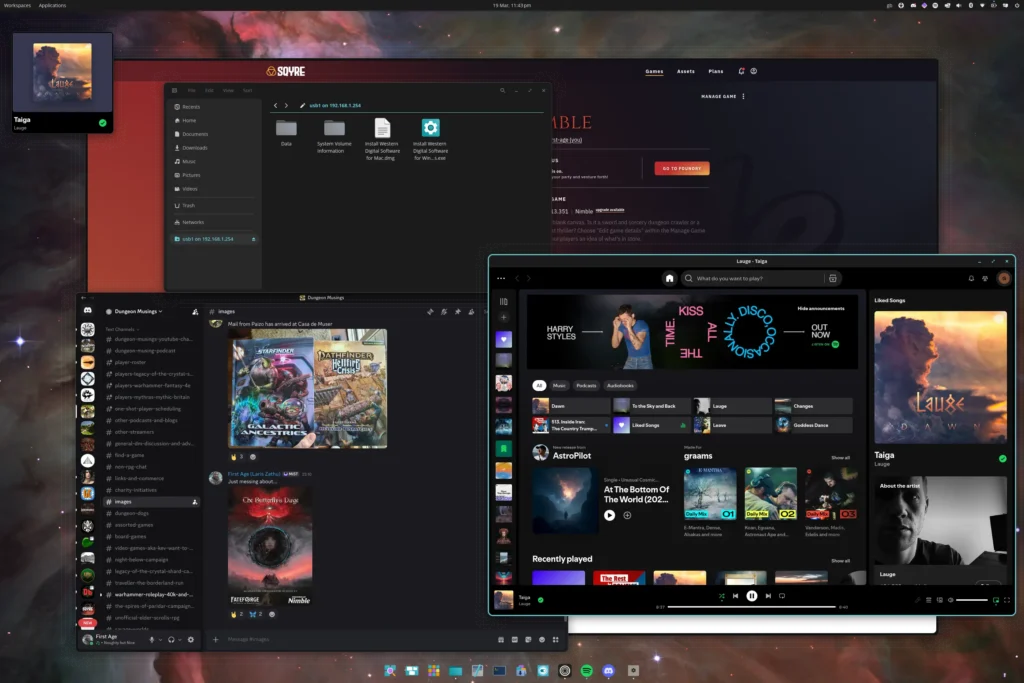
There is so much to like about this environment. It feels modern and responsive, with rich tiling and theming options. The few Cosmic apps are well implemented. Cosmic Files allowed simple samba loading of my network drive (once the config file had been edited to allow for the poor capabilities of my Plusnet router).
I’ve grown accustomed to the fairly vanilla Gnome desktop, with just a few tweaks and Dash to Dock. I felt immediately at home with Cosmic. The distro is packaged to handle my aged NVIDIA card flawlessly, delivering a smooth and high quality display. The Cosmic store seems to use Flathub almost exclusively, which keeps things simple, while managing any application updates in a straightforward manner. Proton, Zen browser and most of the other apps I routinely use are all there, so I am just cracking on doing what I do.
There are other distros that accommodate Cosmic, which I may check out, but for now I’m enjoying playing from where I am.
A fun dalliance.